Who this is for
- Head referees who run the crew and their own games.
- Field / crew officials — same Refereeing hub, Ref mode, and report. The crew shares the live log.
How you get in
- Sign in with Google on captainly.app or the app.
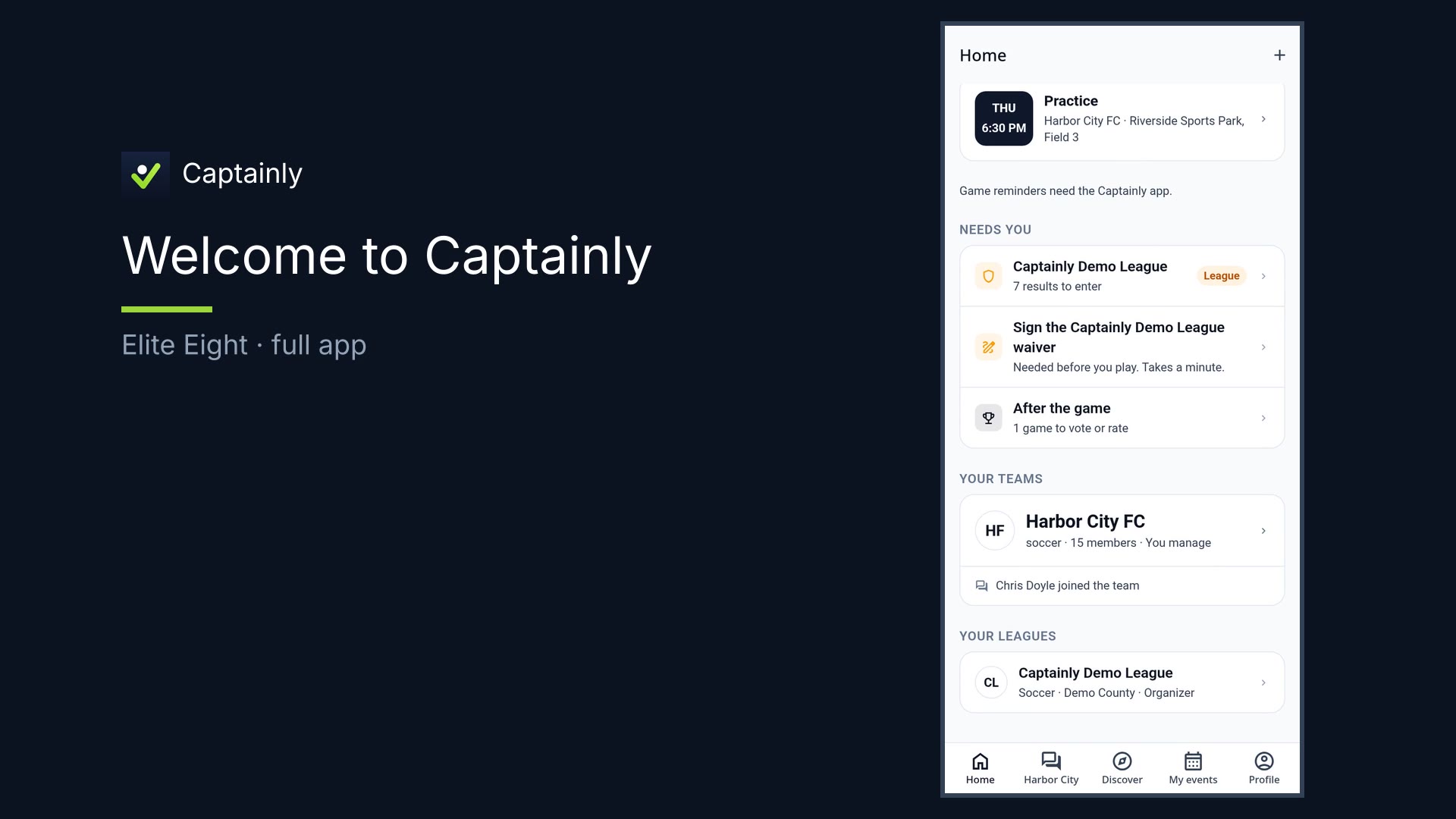
- Open the Refereeing hub from Home once you’re assigned as an official.
- Confirm your games for the weekend; see reports to file and what’s owed.
What you can do
- Refereeing hub — games to confirm, reports to file, what’s owed
- Crew on a game — shared live match log
- Ref mode — clock, GOAL, cards, live with the crew
- File report — score, cards, under a minute; sets the result and updates the ladder
How to use it — your day in Captainly
- Open the Refereeing hub. You’re the head ref — or on the crew. Same Ref mode. One place for the weekend.
- Assign / crew (light). When a game shows crew, everyone shares the live log.
- Enter Ref mode. Clock. Goals. Cards. Live with the crew so everyone sees the same match state.
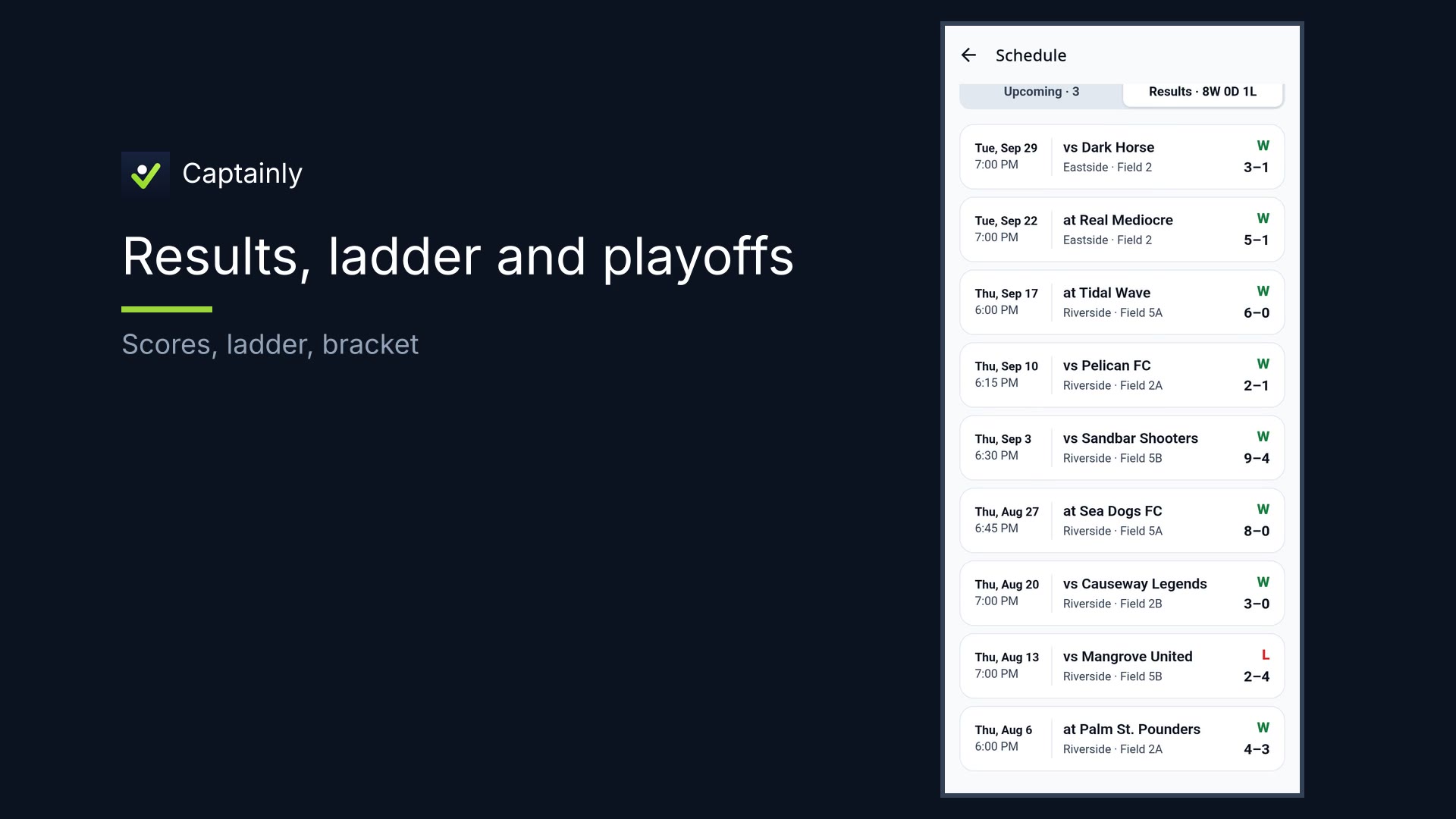
- Full time → file the report. Check the score, add cards, file it — under a minute. That report sets the result; the ladder updates.
That’s reffing in Captainly.