Pick your role
Every role gets a one-minute video and a step-by-step guide. Start with the one that matches how you show up on game day.
 1:15
League ops
Commissioner
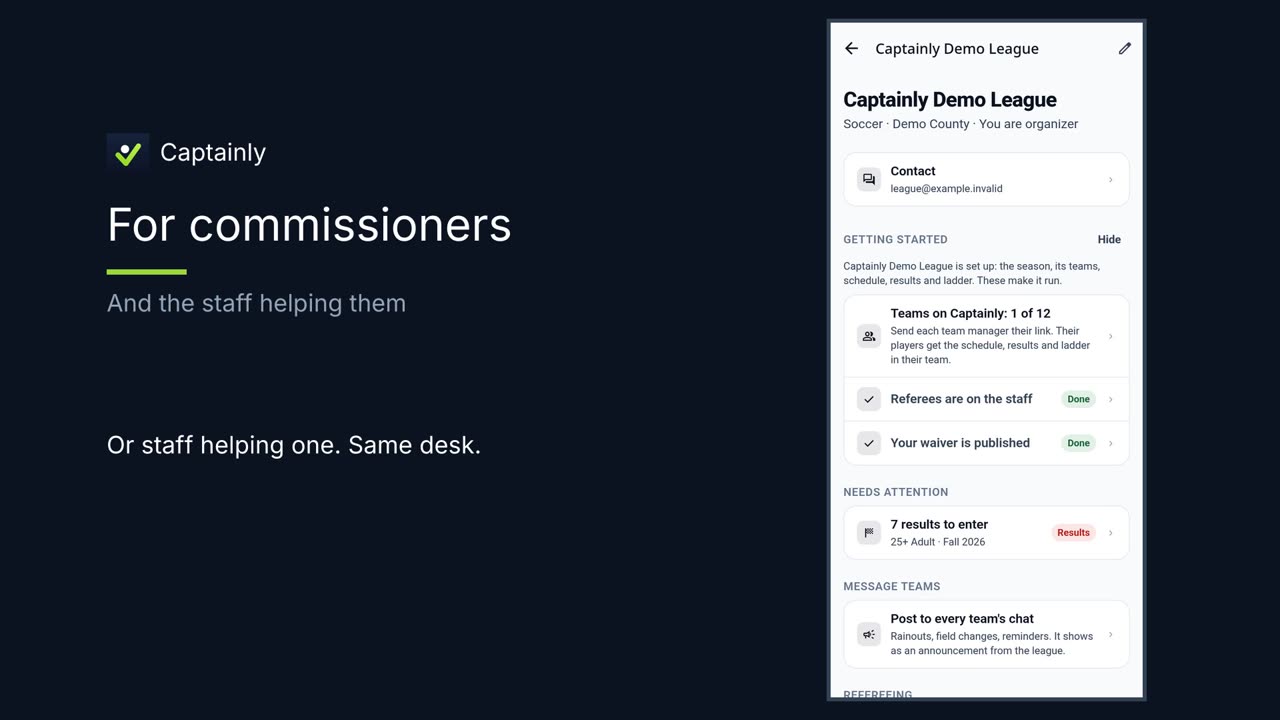
Run the league desk — checklist, schedule, results, Stripe dues, and staff.
Watch & read the guide →
1:15
League ops
Commissioner
Run the league desk — checklist, schedule, results, Stripe dues, and staff.
Watch & read the guide →
 1:03
Officials
Head referee
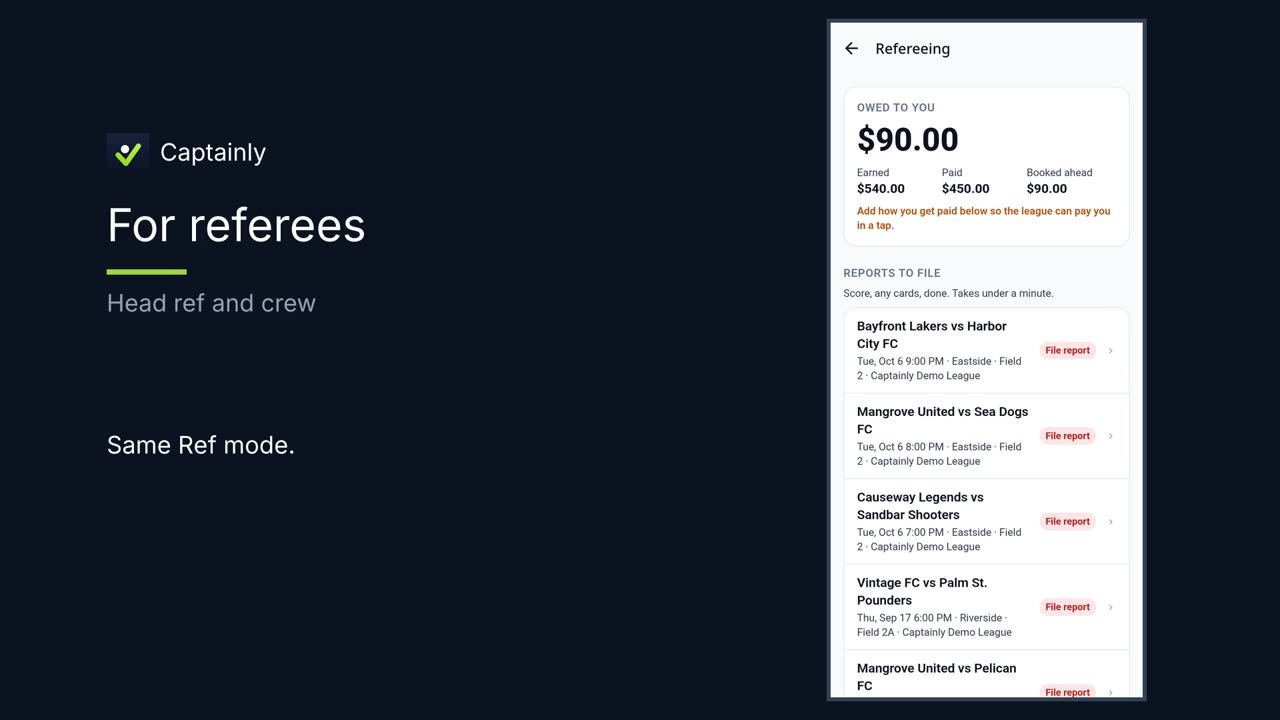
Your games, your crew, Ref mode, and filing the report in under a minute.
Watch & read the guide →
1:03
Officials
Head referee
Your games, your crew, Ref mode, and filing the report in under a minute.
Watch & read the guide →
 1:02
Playoffs
Tournament runner
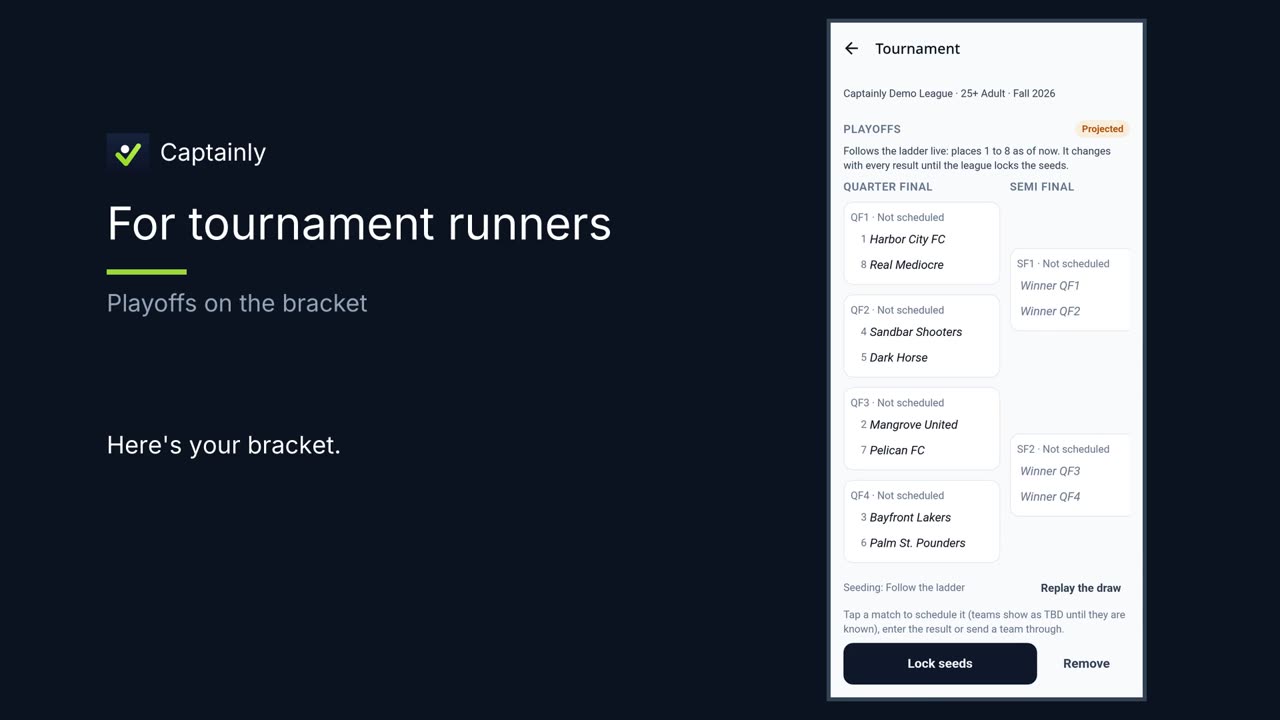
Live brackets, lock seeds, and TBD games that fill as winners land.
Watch & read the guide →
1:02
Playoffs
Tournament runner
Live brackets, lock seeds, and TBD games that fill as winners land.
Watch & read the guide →
 0:55
Family
Parent
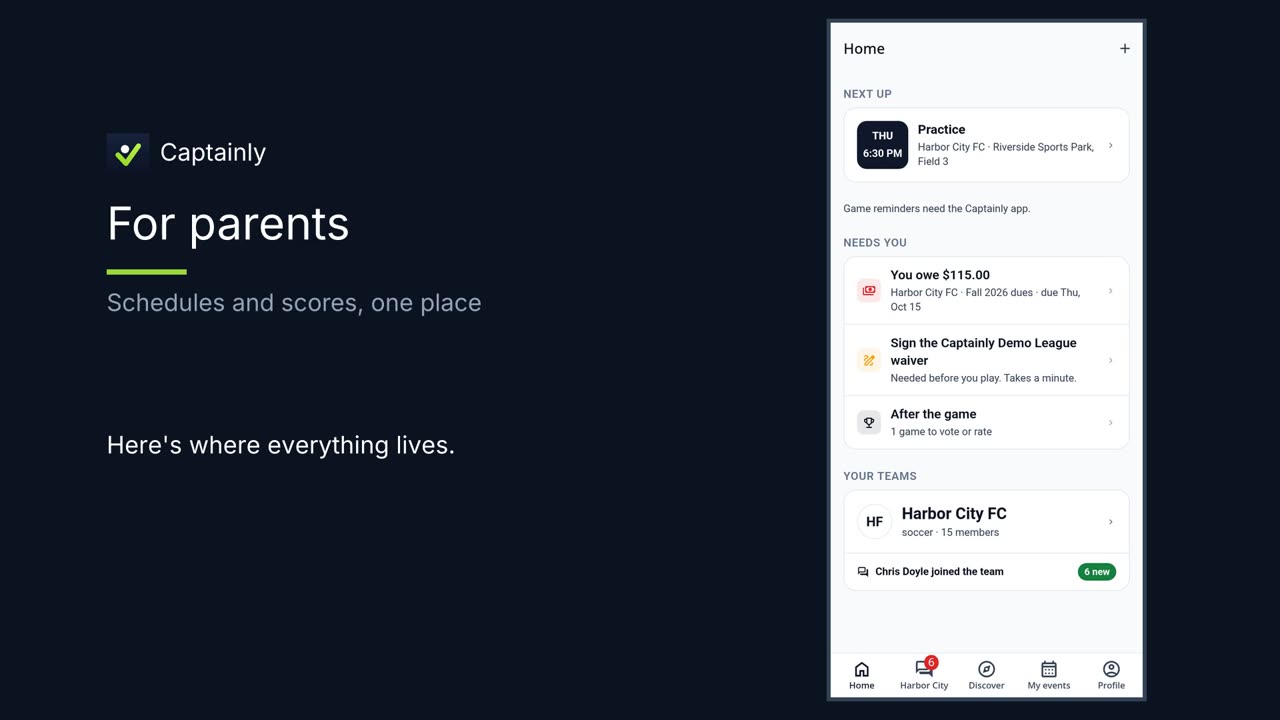
Where’s the game? What’s the score? Everything in one place.
Watch & read the guide →
0:55
Family
Parent
Where’s the game? What’s the score? Everything in one place.
Watch & read the guide →
 1:05
Team
Coach / team manager
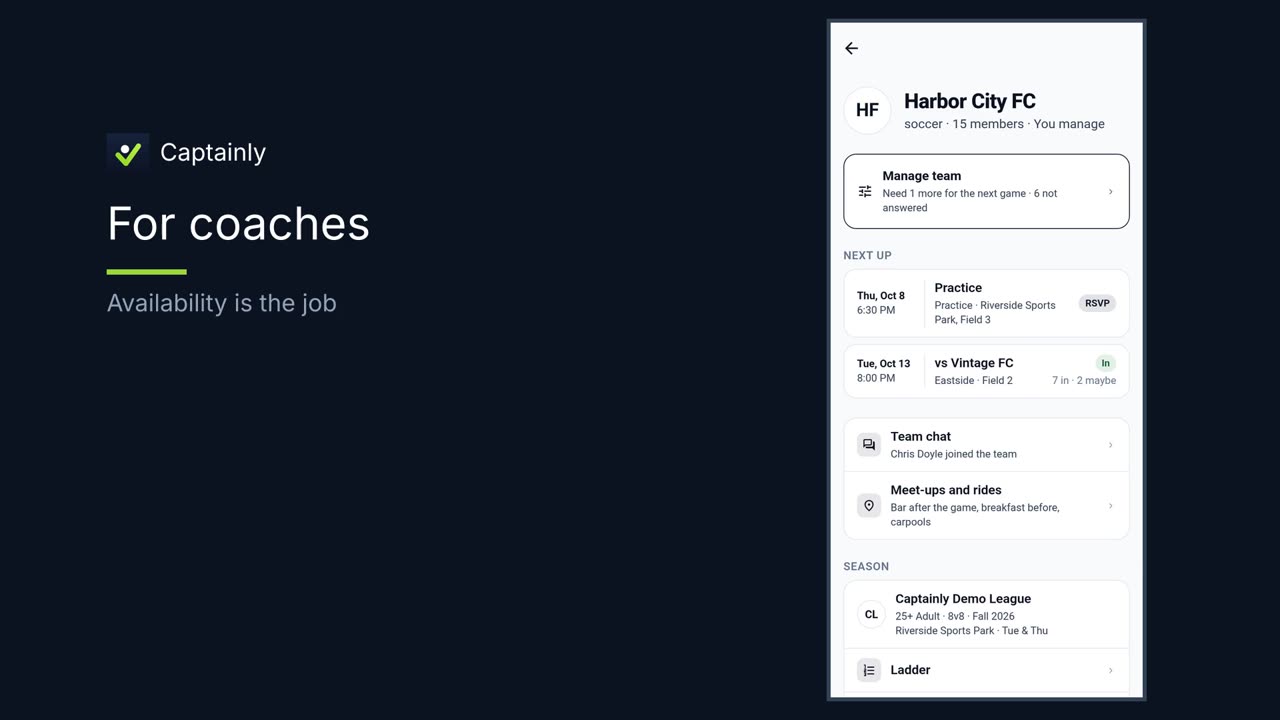
Who’s In, Maybe, or Out — know you’re short before game day.
Watch & read the guide →
1:05
Team
Coach / team manager
Who’s In, Maybe, or Out — know you’re short before game day.
Watch & read the guide →
See it in action
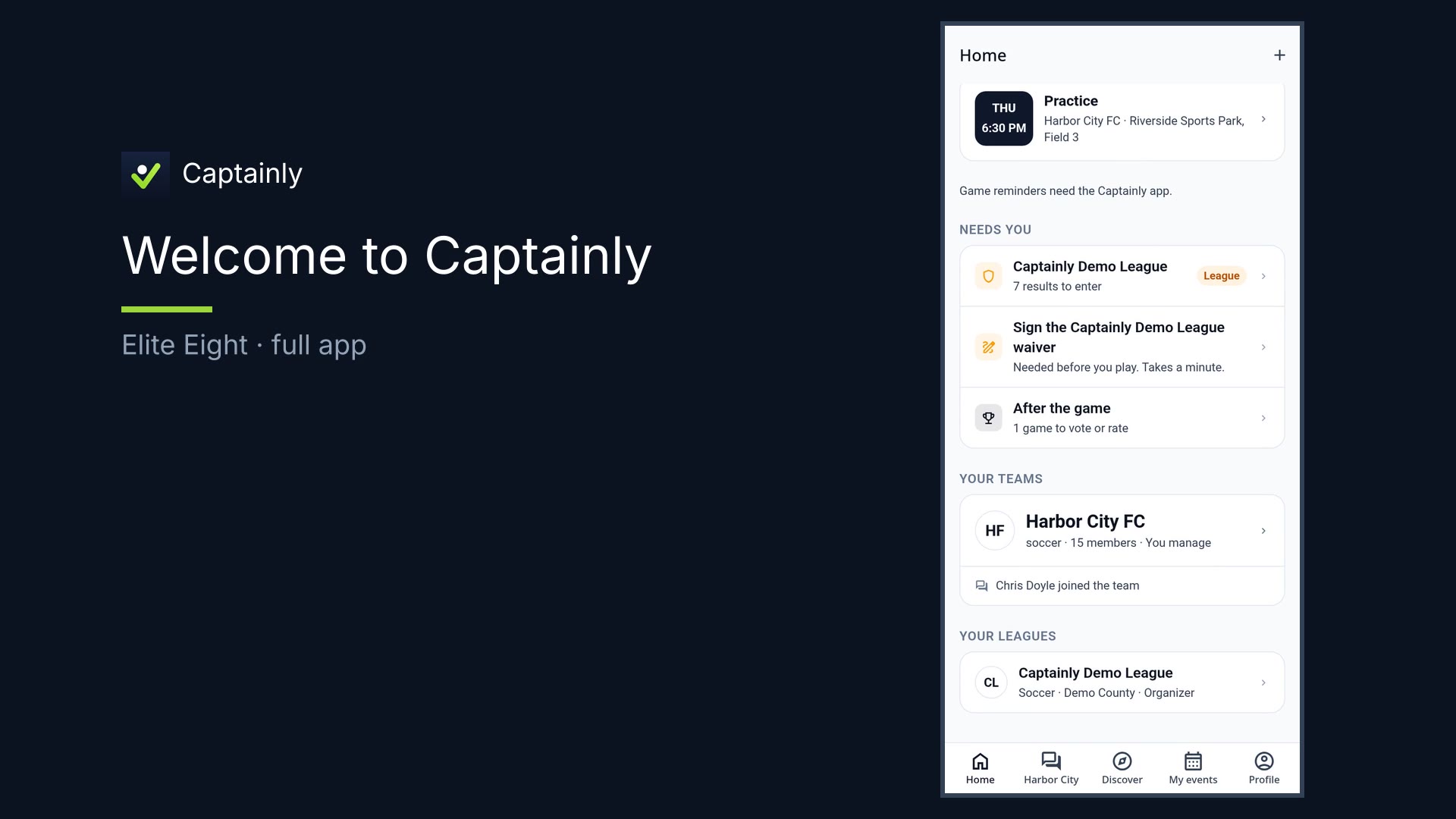
Home, schedule, chat, results, and league tools — the same screens your team and staff actually use.
What Captainly is
You play. You manage. You ref. You run the league. Captainly is the one place where all of that lives together.
Schedules & availability
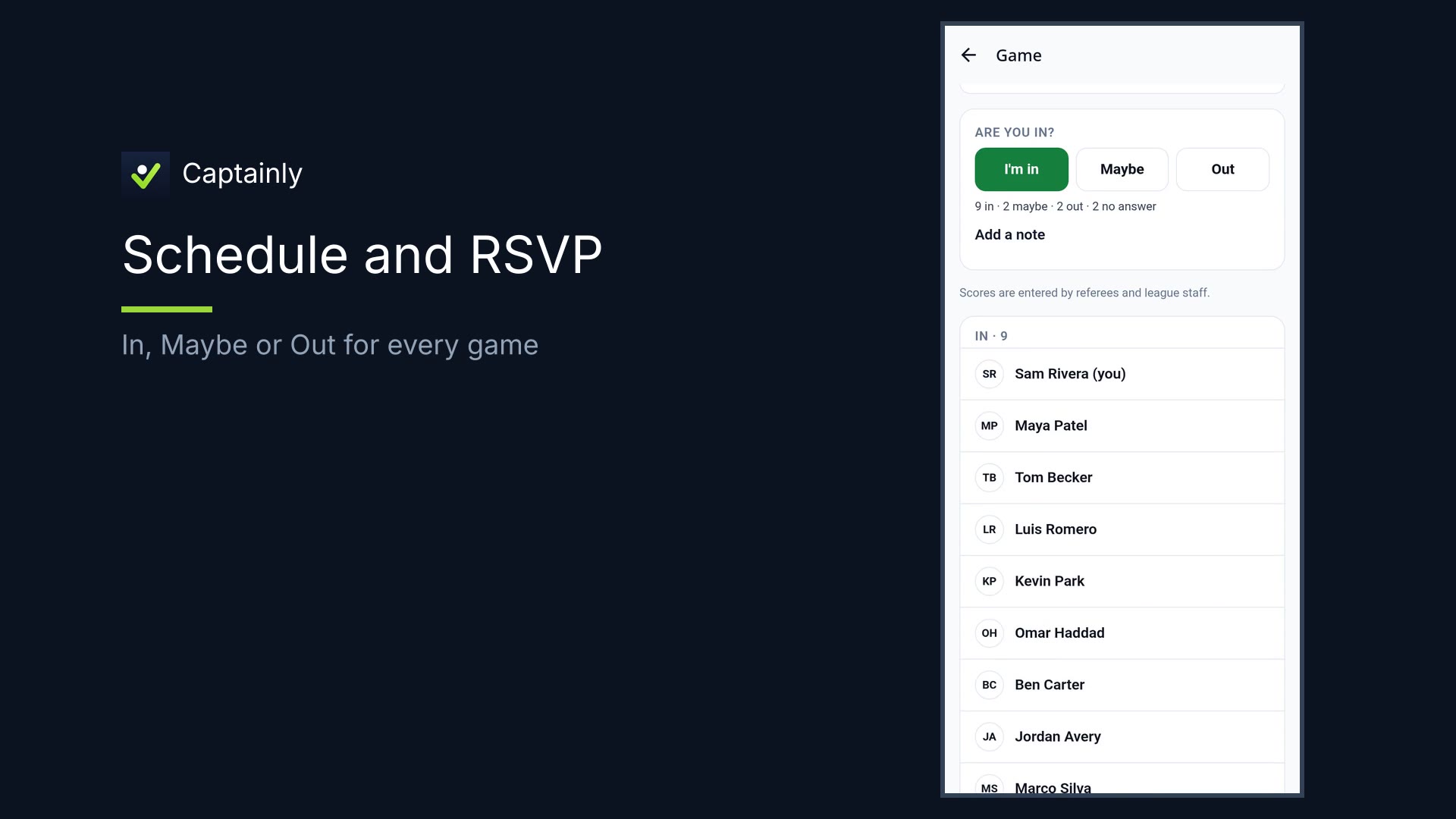
Games, practices, and socials on one schedule. Tap In, Maybe, or Out so the manager knows early if you’re short.
Team chat
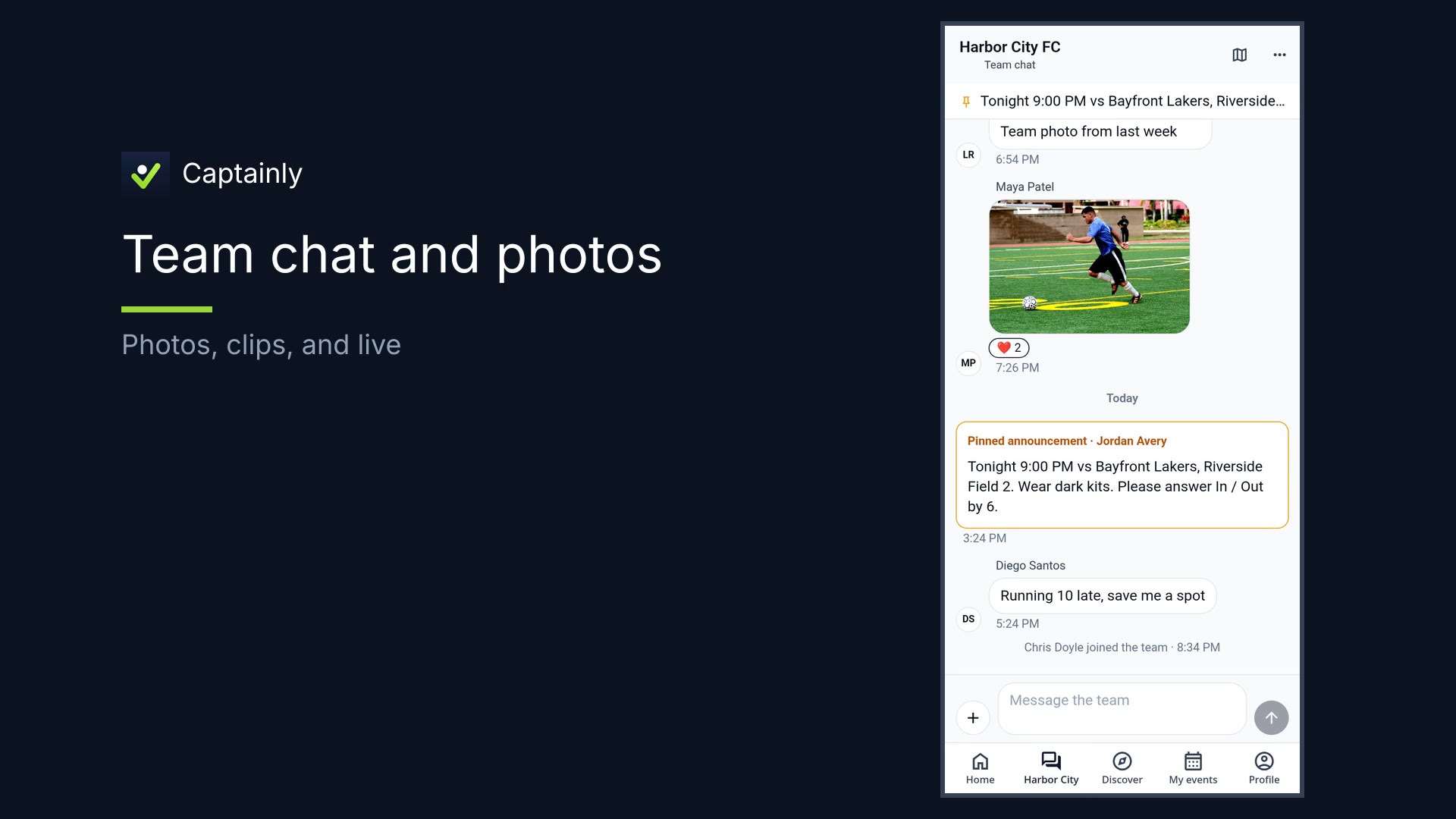
One group chat that sticks with the team. Pin announcements, drop photos and clips, react, tag people — and go live when the game’s on.
Results & ladder
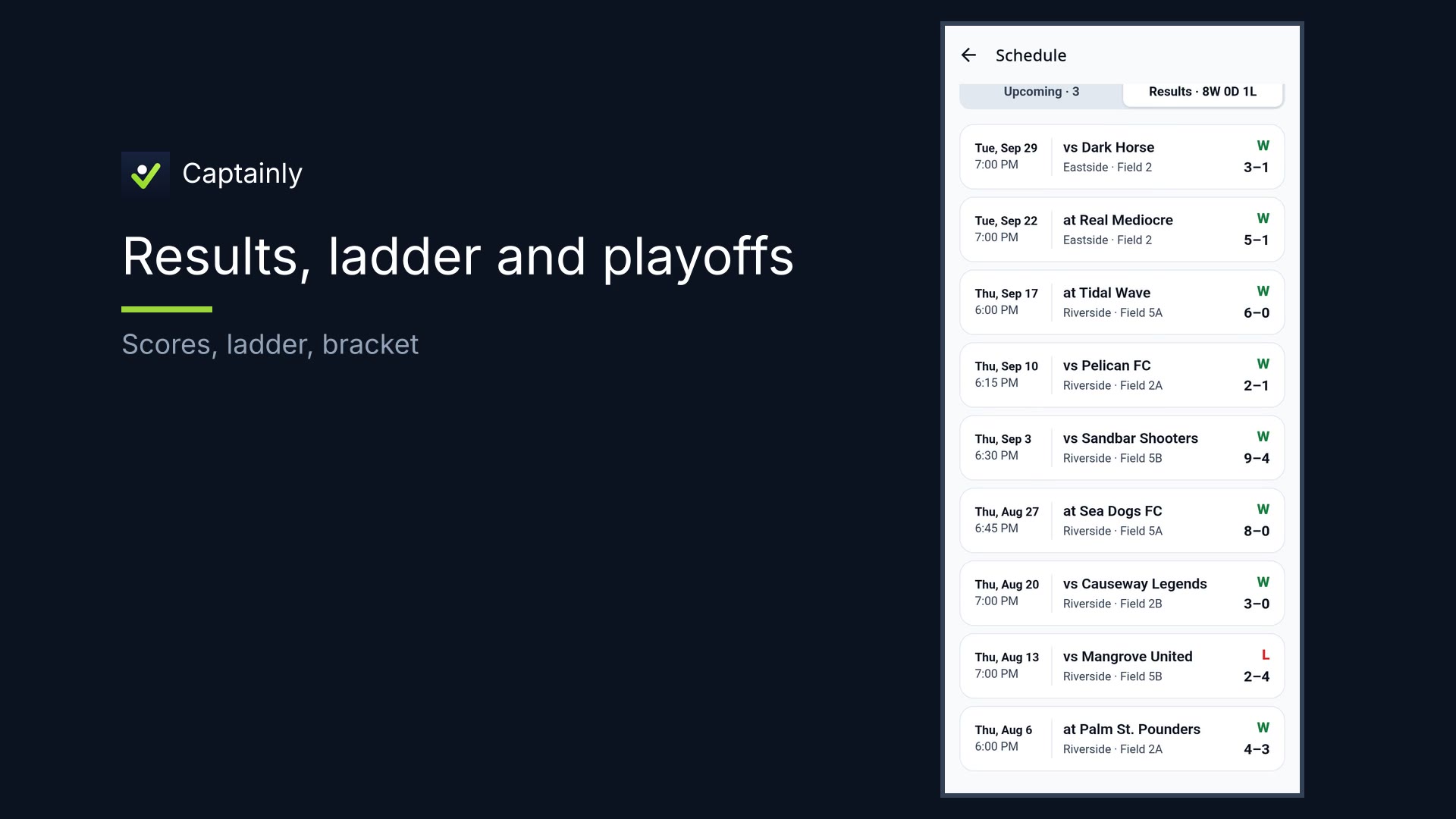
Scores go in from the ref, the league, or managers — however your league runs it. The ladder updates itself and explains the ties.
Dues with Stripe
Players pay team dues with Stripe, right in the app, and who’s paid shows up on its own. Venmo, PayPal, or Zelle are optional backups if a team wants them.
League tools
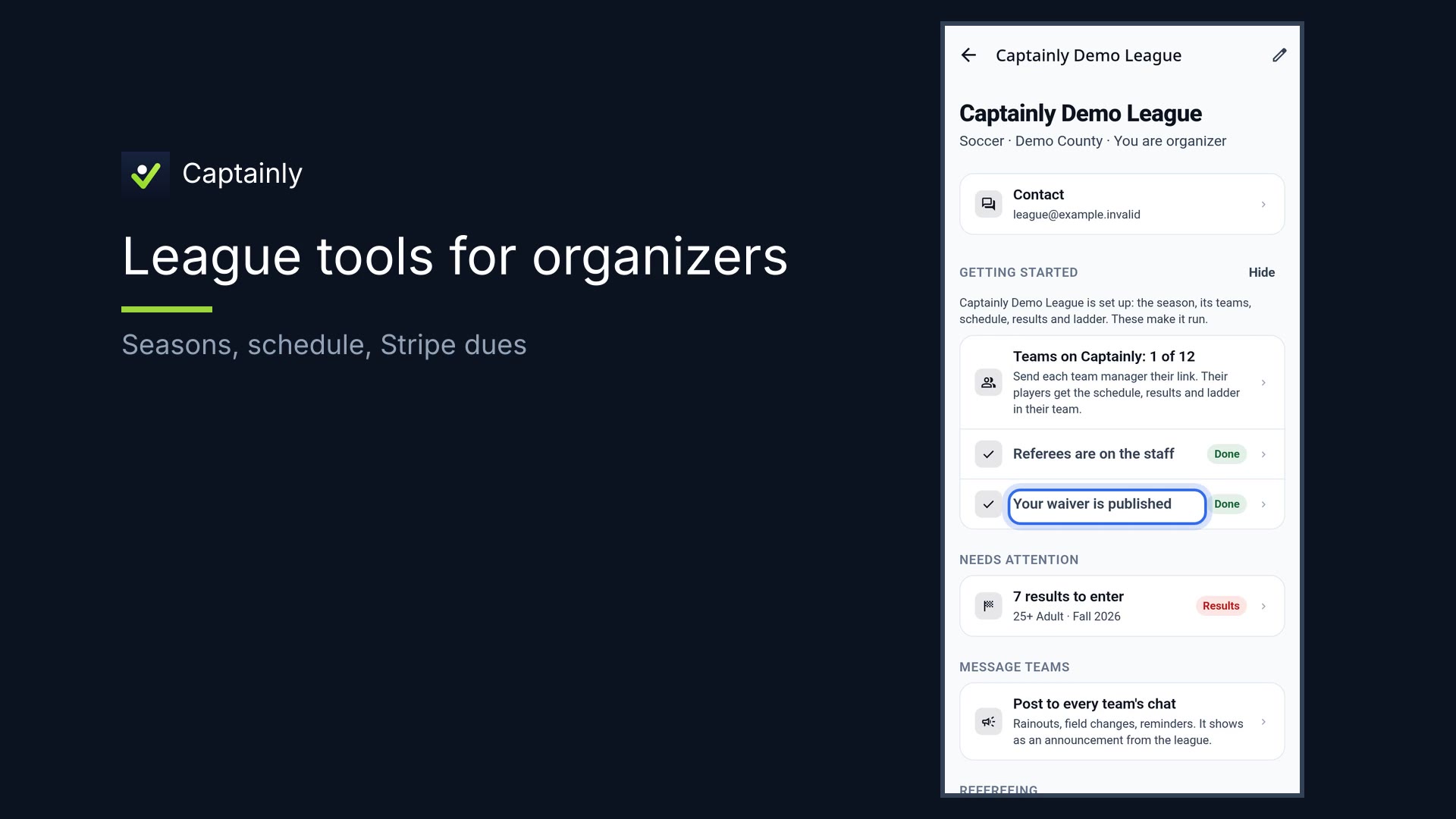
Checklist, season setup, venues and fields, dues, staff, waivers, and reports — all from league home.
Ref mode
Clock, goals, and cards shared live with the crew. File the report in under a minute — the ladder follows.
Playoffs & brackets
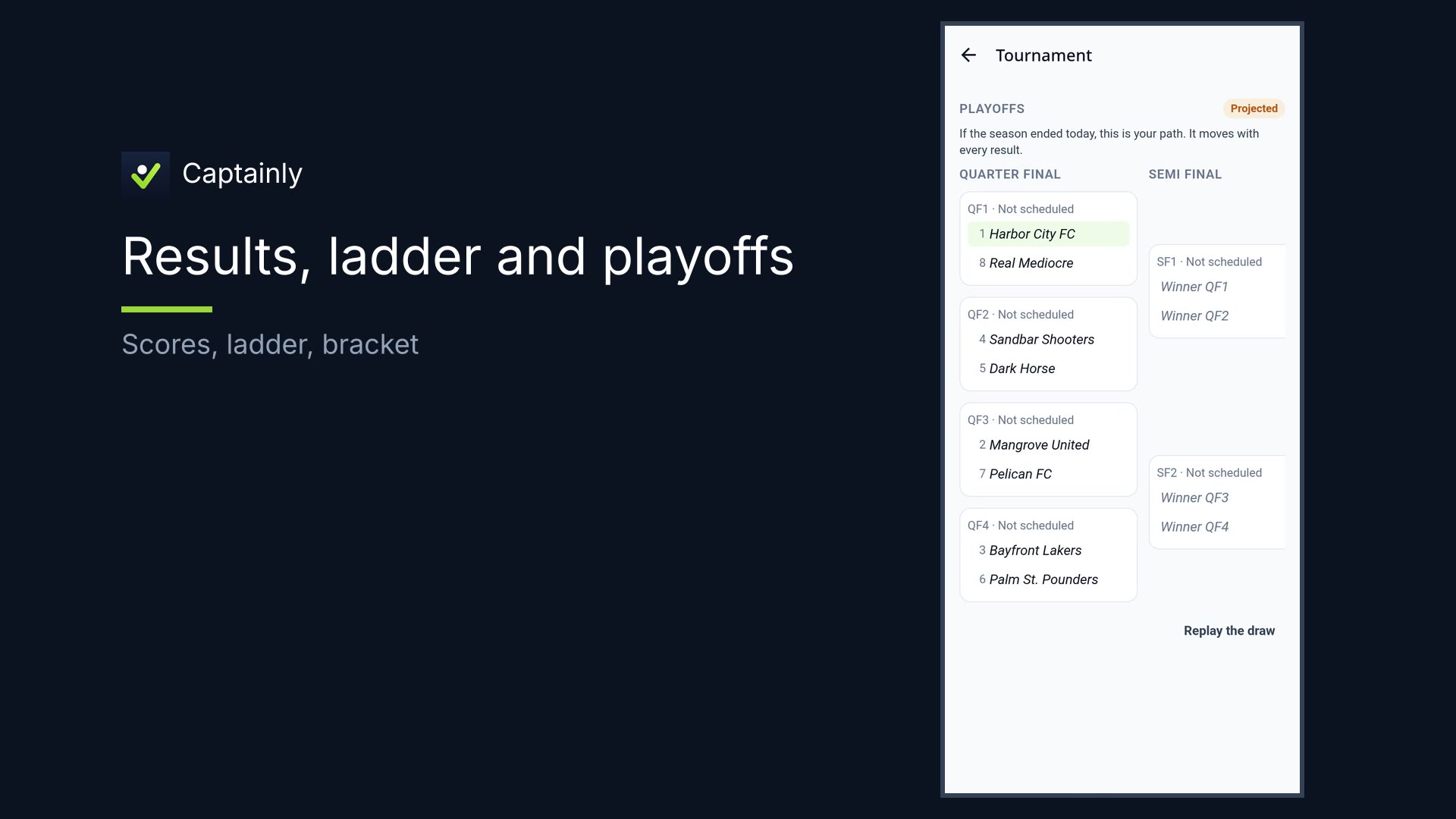
The bracket follows the ladder live until seeds lock. TBD slots fill as winners land.
Organizer desk
On an iPad or wide browser, the same league pages laid out for a real screen: fields, staff, money, discipline, waivers, reports.
Getting started
About a minute. Sign in with Google — no new password. Then you’re on the roster.
How you get in
- Sign in with Google. Open captainly.app (or the iPhone / Android app) and continue with Google. There’s no new password to remember.
- Open your team link. Your manager usually texts a team link, or drops it in the group chat. Open it, sign in, confirm your profile — you’re on the roster.
- Already on the list? Just pick your name. Dues and answers come with you.
- No link? Home’s got you. Paste a link, find your team in a league, or start one.
What Home shows you
- Next up — the next game or practice, time and place.
- Needs you — things waiting on your tap, like a waiver to sign.
- Your teams & leagues — everything you’re part of in one scroll.
More of the app
A few extras that show up once you’re in.
Discover
Team photos teams choose to share — and teams looking for players near you.
Elite Eight pilot
Elite Eight is our pilot league, running Captainly with every feature switched on — from Ref mode to Stripe dues to live brackets.
Everywhere you play
iPhone, Android, and the web. Get the app or open captainly.app, tap your team link — you’re in.
See you on the field.