Who this is for
- League commissioners / organizers who own season setup, schedule, results, and team dues.
- Commissioner’s assistants and staff — same league tools via staff roles and invites. One desk, not a second app.
How you get in
- Sign in at captainly.app (or the app) with Google.
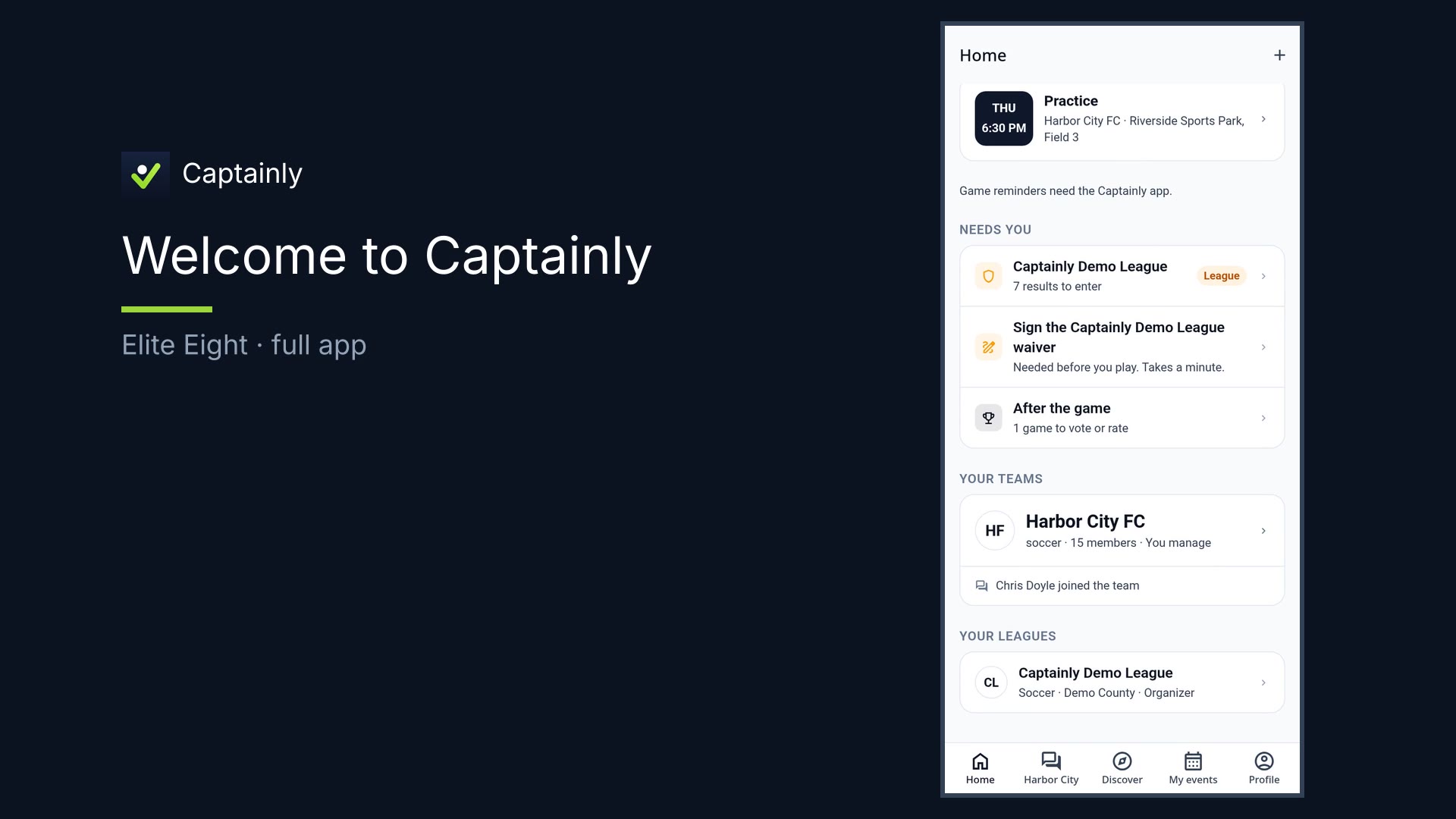
- Open your league from Home under Your leagues, or accept a staff invite.
- Start on league home — checklist and needs-attention board.
What you can do
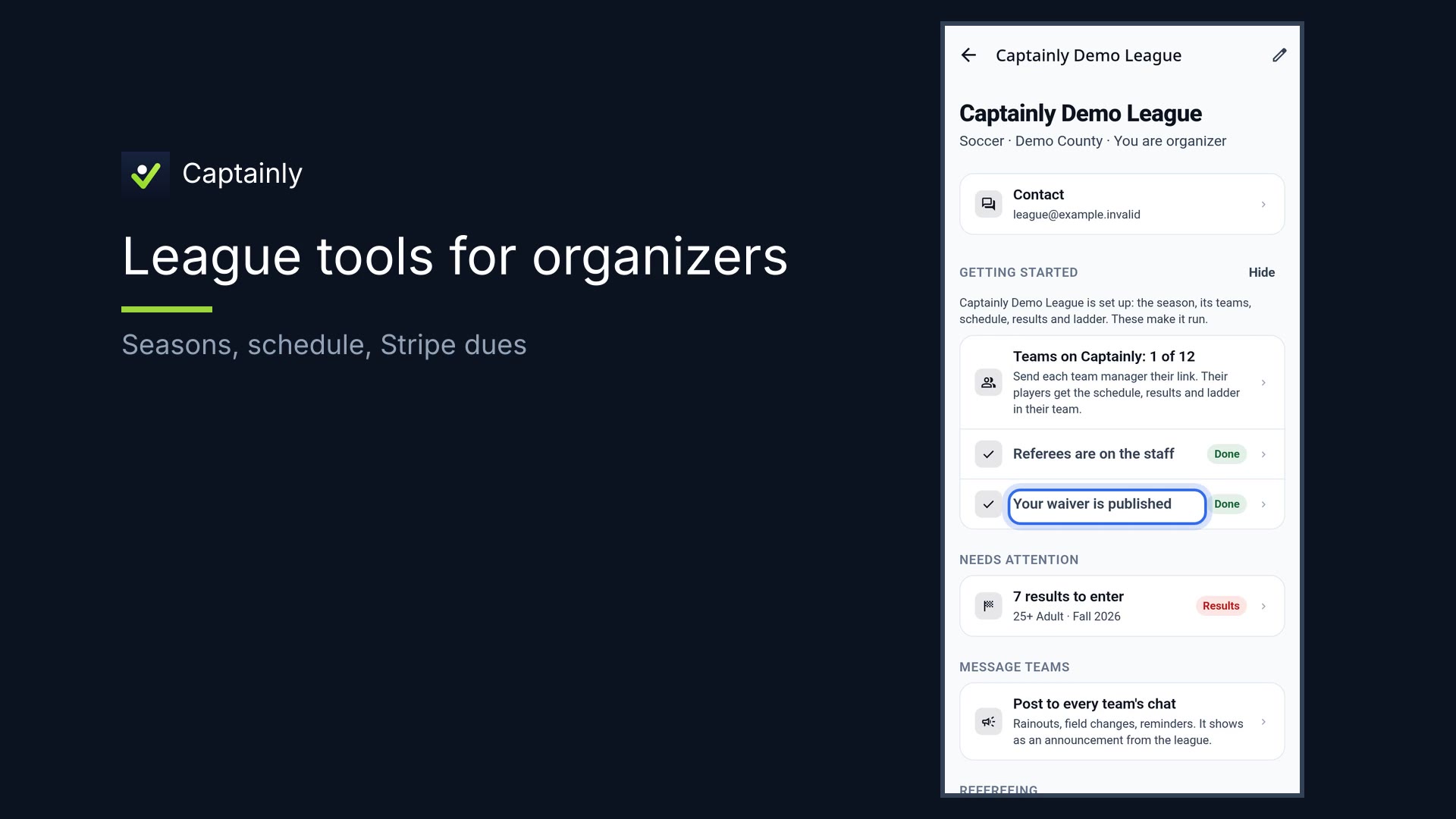
- Getting-started checklist — teams on Captainly, refs, waiver
- Needs attention — missing results flagged so nothing silent-fails
- Season hub — setup, teams, schedule with venues and fields
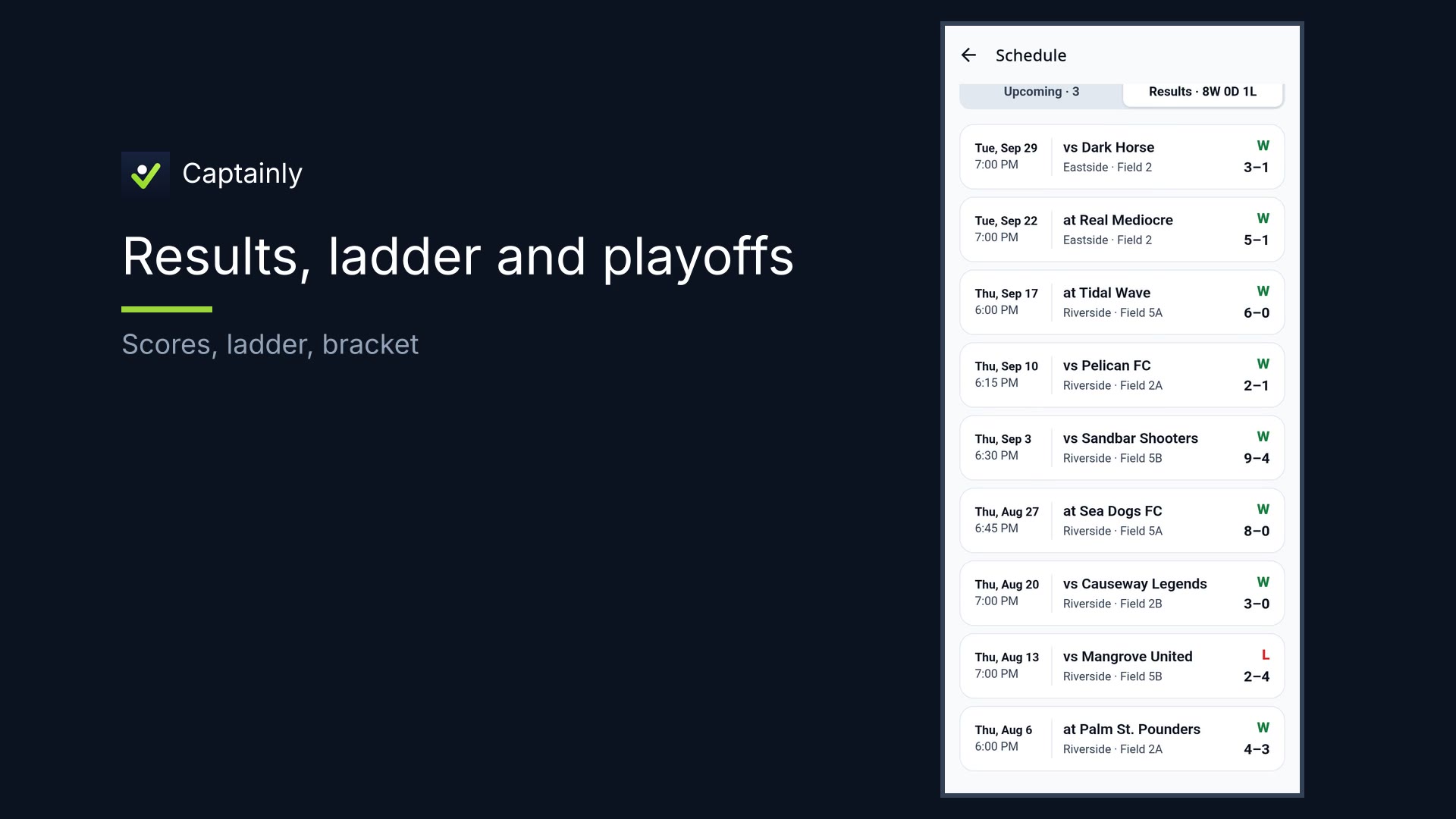
- Enter and confirm results; settle what’s stuck so the ladder stays honest
- Team dues with Stripe, right in the app — who’s paid shows up on its own. Venmo, PayPal, or Zelle are optional backups if a team wants them.
- Staff roles and invites — assistants see the same league tools
- On an iPad or wide browser — the organizer desk (fields, staff, money, discipline, waivers, reports)
How to use it — your day in Captainly
- Open league home. You’re the commissioner — or staff helping one. Same desk. Scan the checklist: teams on Captainly, refs, waiver.
- Check needs attention. Missing results are flagged for you. Nothing silent-fails.
- Work the season hub. Setup, teams, and Schedule — venues and fields. The season lives in one hub.
- Results & disputes. Enter or confirm scores; settle what’s stuck so the ladder stays honest.
- Team dues with Stripe. Players pay with Stripe, right in the app. Who’s paid shows up on its own — no spreadsheet chase. Venmo, PayPal, or Zelle are there as optional backups if a team wants them.
- Staff & assistants. Invite staff roles. Assistants see the same league tools.
- Wide screen. On an iPad or wide browser, organizers get the big desk — same league pages laid out for a real screen: fields, staff, money, discipline, waivers, reports.
That’s running a league in Captainly.