Who this is for
- Coaches and team managers who need the weekly “who’s coming?” picture.
- Same seat in Captainly — one guide covers both.
How you get in
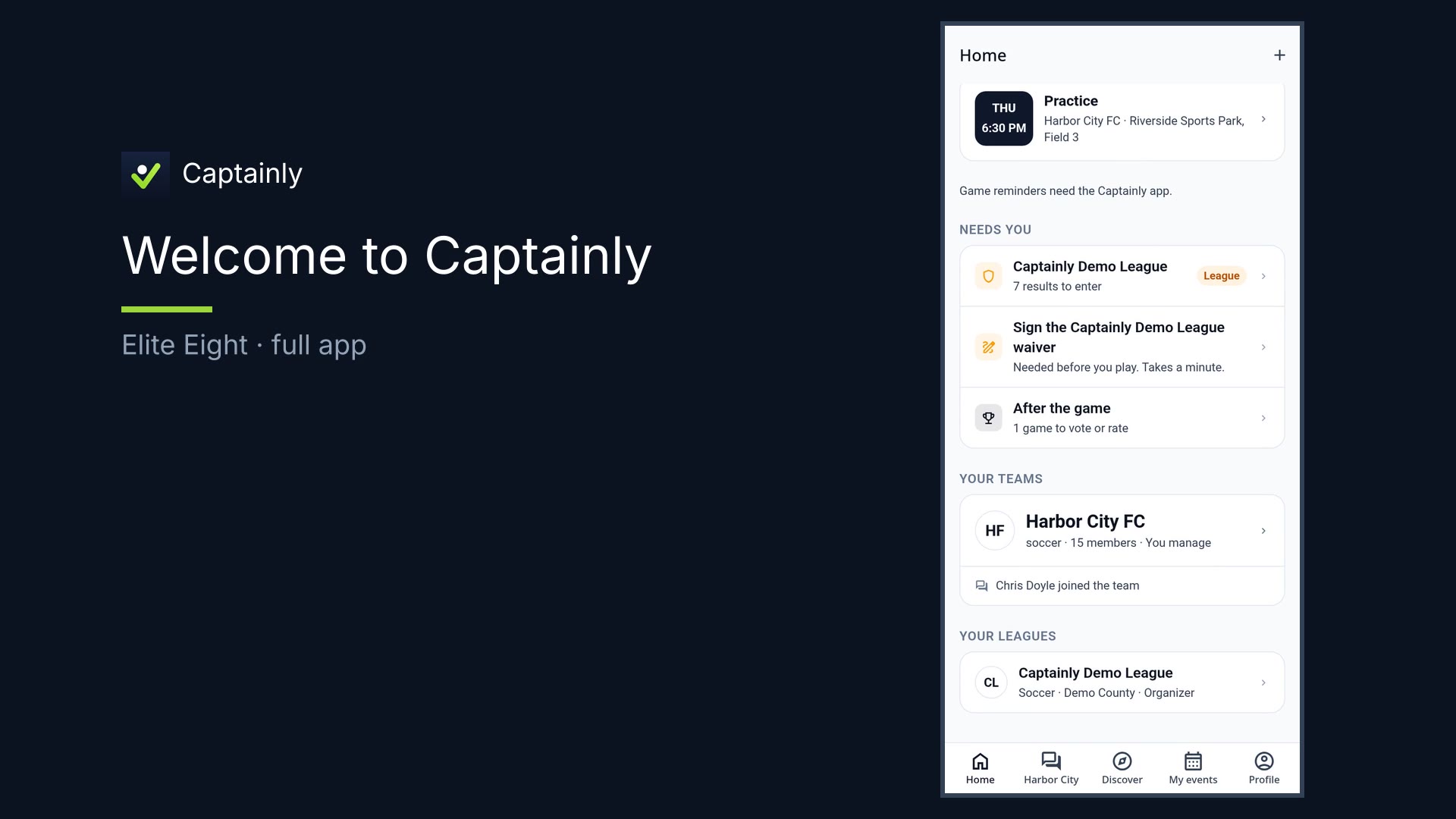
- Sign in with Google. Open your team from Home (or create one / join via league).
- Share the team link so players and parents can join in about a minute.
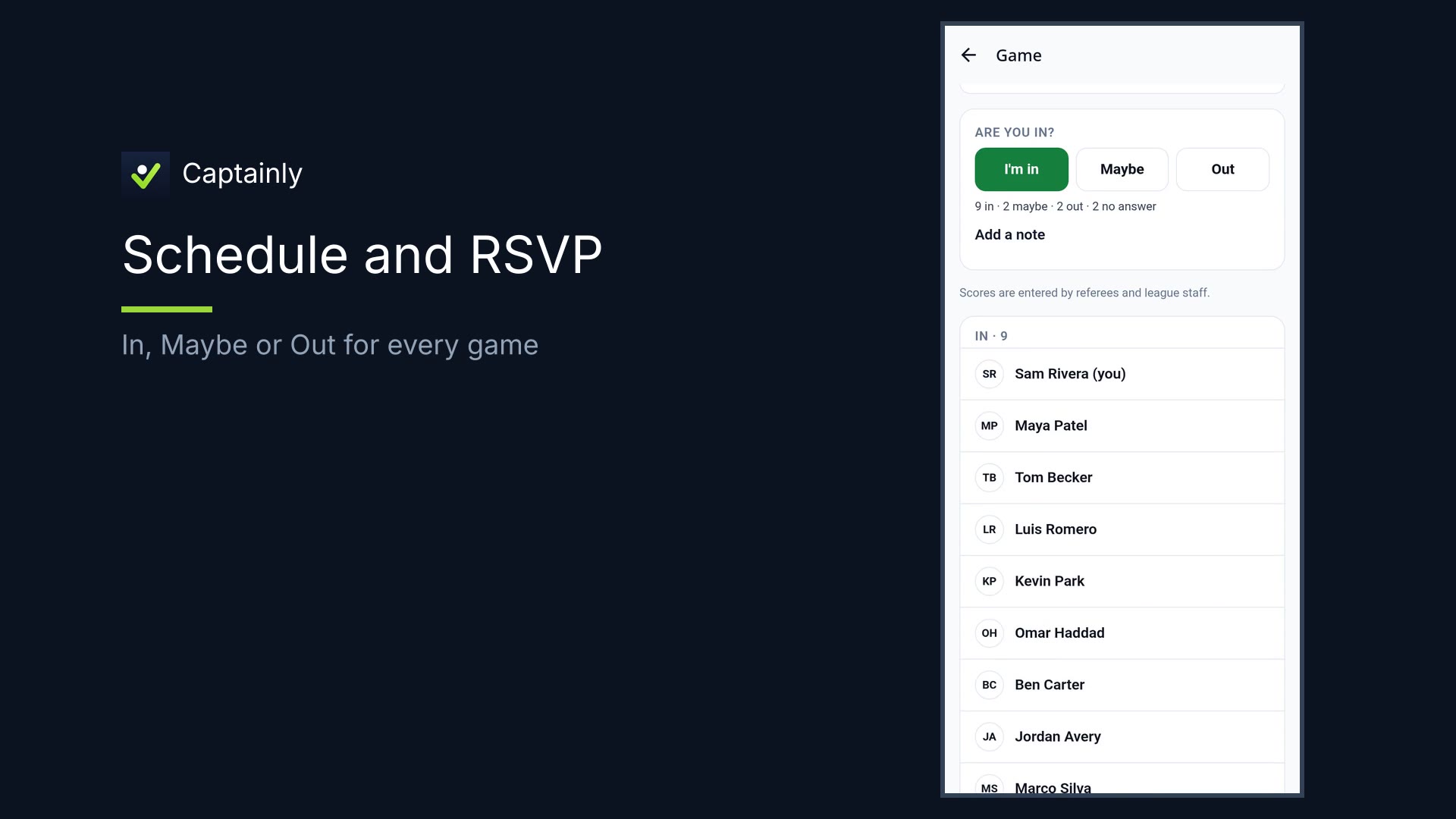
- Open the next game on the schedule to see In / Maybe / Out.
What you can do
- Open each upcoming match and scroll who’s In, Maybe, or Out
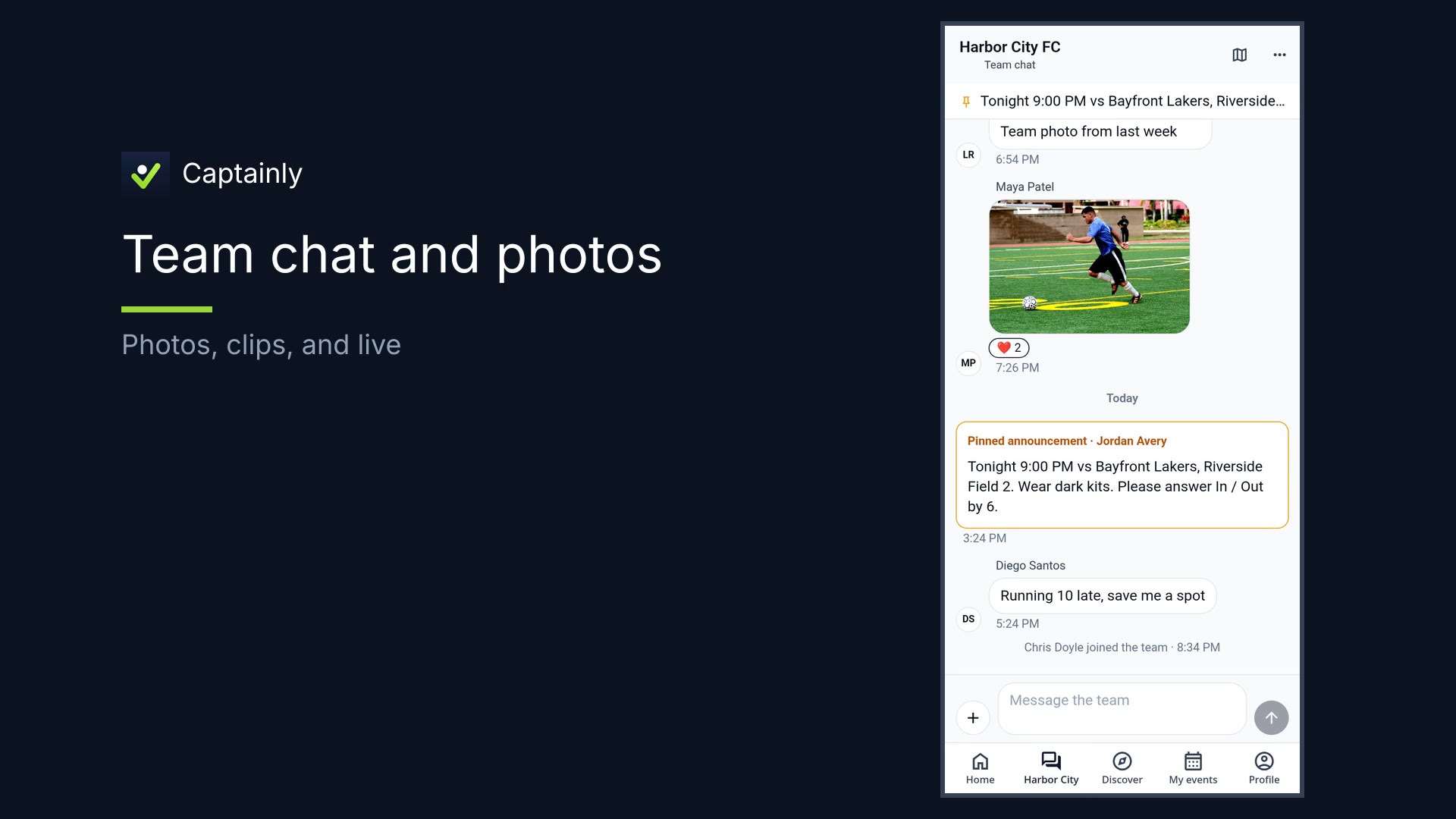
- See late comments so you know if you’re short before game day
- Same three answers everyone already knows — players mark themselves
- Practices and socials on the same schedule with the same RSVP
- Team chat — pin announcements, photos, clips, and live
- Help with results the way your league runs it
How to use it — managing availability
- Open the team screen. You’re the coach. Availability is the job.
- Open the next game. One match at a time.
- Scroll In / Maybe / Out. See who’s in; note late comments. Know if you’re short before game day.
- Set or nudge (light). Players mark In, Maybe, or Out — you see the lists update.
- Practices too. Practices and socials on the same schedule with the same RSVP. One habit for the whole week.
That’s managing availability in Captainly.